Pull Requests
The Pull Requests tab provides a dashboard for viewing GitHub pull requests in your repository.
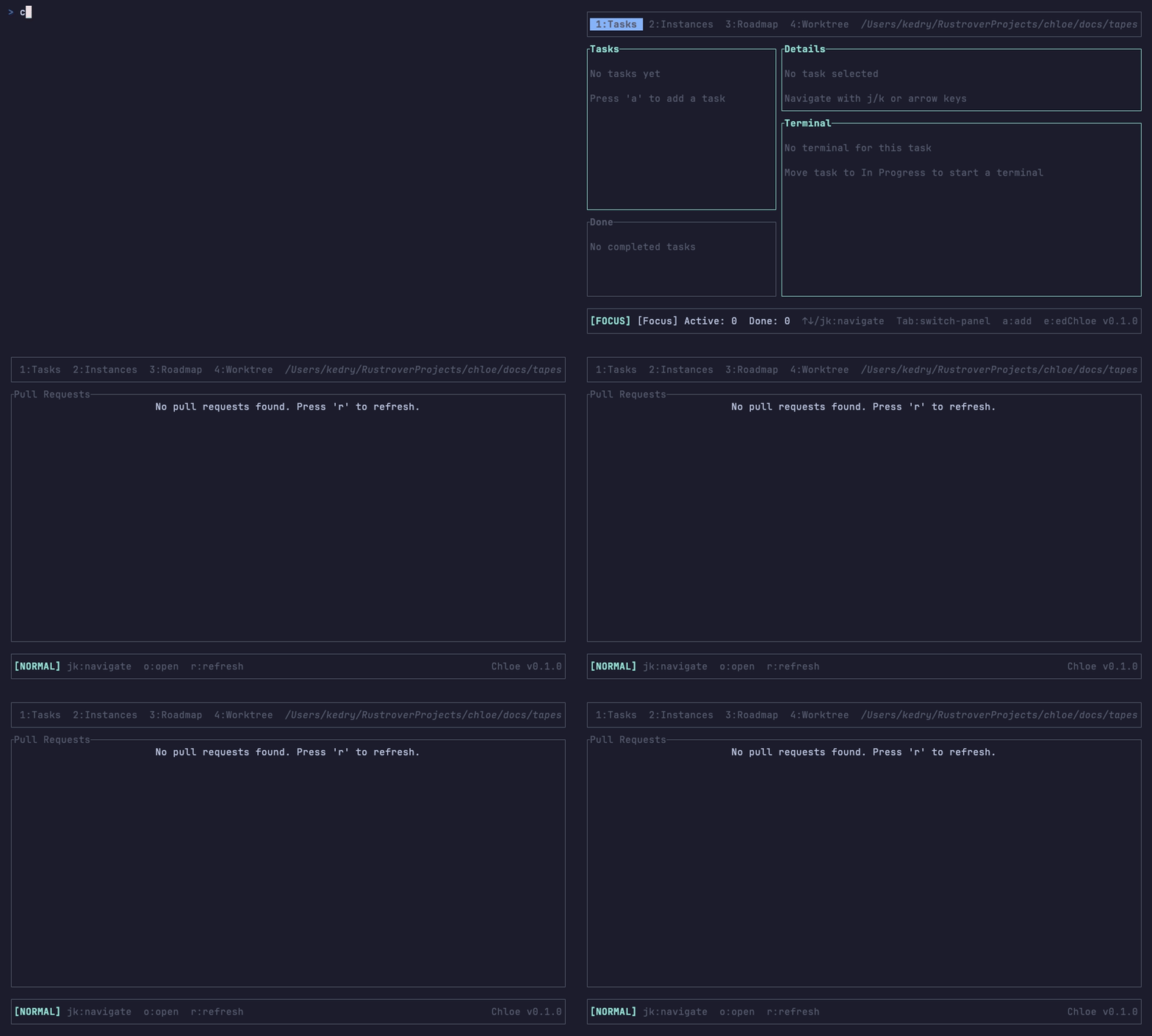
PR List
The tab displays all pull requests in your repository:
| Column | Description |
|---|---|
| # | PR number |
| Title | PR title |
| Author | GitHub username |
| Branch | Source → Target branch |
| State | Open, Closed, or Merged |
| Changes | Lines added/removed |
PR States
Pull requests are displayed with their current state:
| State | Indicator | Meaning |
|---|---|---|
| Open | Green | Active and awaiting review |
| Closed | Red | Closed without merging |
| Merged | Purple | Successfully merged |
| Draft | Gray | Work in progress |
Navigation
| Key | Action |
|---|---|
j / ↓ | Select next PR |
k / ↑ | Select previous PR |
g | Jump to first PR |
G | Jump to last PR |
Opening PRs
Press o or Enter to open the selected PR in your browser. This takes you directly to the GitHub PR page where you can:
- Review code changes
- Leave comments
- Approve or request changes
- Merge the PR
Refreshing
The PR list refreshes in two ways:
Auto-Refresh
Every 30 seconds, the list automatically updates when the tab is visible.
Manual Refresh
Press r or R to immediately refresh the PR list from GitHub.
Loading States
While fetching data from GitHub, a loading spinner is displayed. If the API request fails, an error message shows what went wrong.
The GitHub API has rate limits. If you see rate limit errors, wait a few minutes before refreshing.
Keybindings
| Key | Action |
|---|---|
j / ↓ | Select next PR |
k / ↑ | Select previous PR |
g | Jump to first PR |
G | Jump to last PR |
r / R | Refresh PR list |
o / Enter | Open PR in browser |
PR Properties
Each pull request displays:
| Property | Description |
|---|---|
| Number | GitHub PR ID |
| Title | PR title |
| Author | GitHub username of creator |
| Branch | Source branch name |
| Base Branch | Target branch (usually main) |
| State | Open, Closed, or Merged |
| Is Draft | Whether it’s a draft PR |
| Additions | Lines of code added |
| Deletions | Lines of code removed |
| URL | Direct link to GitHub |
GitHub Integration
The Pull Requests tab requires your repository to be hosted on GitHub and accessible via the GitHub API.
Chloe uses the GitHub API to fetch PR data. Make sure you have:
- A repository with a GitHub remote
- Network access to GitHub
- Appropriate permissions to view PRs